A free AI photo editor that runs on your own computer
Describe the change and Kokon makes it, on your own GPU. No uploads, no account, no daily limit, and nothing to configure. Updated October 21, 2026.

Why edit photos with AI locally?
AI photo editing has become simple: you write "remove the people" or "make it a snowy night" and the photo changes. But most tools that do it run in the cloud. Your photos are uploaded to someone else's server, free plans have daily limits, and the rest is a subscription or a pack of credits.
A local AI photo editor runs the model on your own graphics card instead:
- Private: your photos never leave your computer. Kokon can also run in private mode, where nothing at all is saved.
- No limits: it's your GPU, so there are no credits, queues or daily caps. Make the fiftieth version if you want.
- Offline: after the first setup it works without internet.
- Free: Kokon is open source (AGPL-3.0). No account, no subscription.
Until now, the catch was the setup: Python, model files, node graphs, VRAM settings. Kokon removes that part. We pick the best open image model, set it up for your graphics card and keep it up to date; you just edit.
What you can do with it
Every example on this page was made by Kokon on one consumer GPU, first try.
Remove anything
Paint over an object and choose Remove. Only the painted area changes; every other pixel stays as it was.


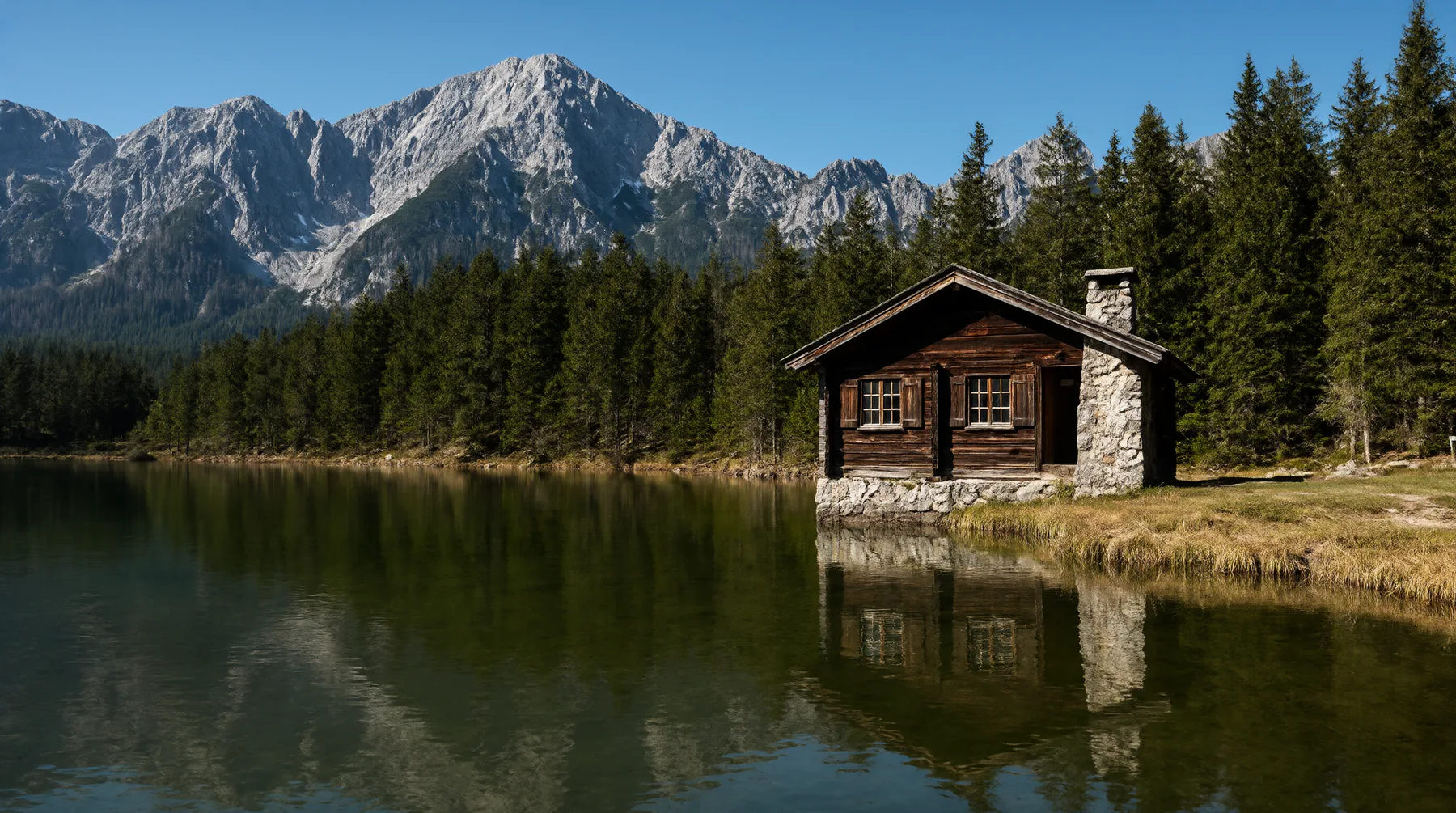
Change the light, the season, the weather

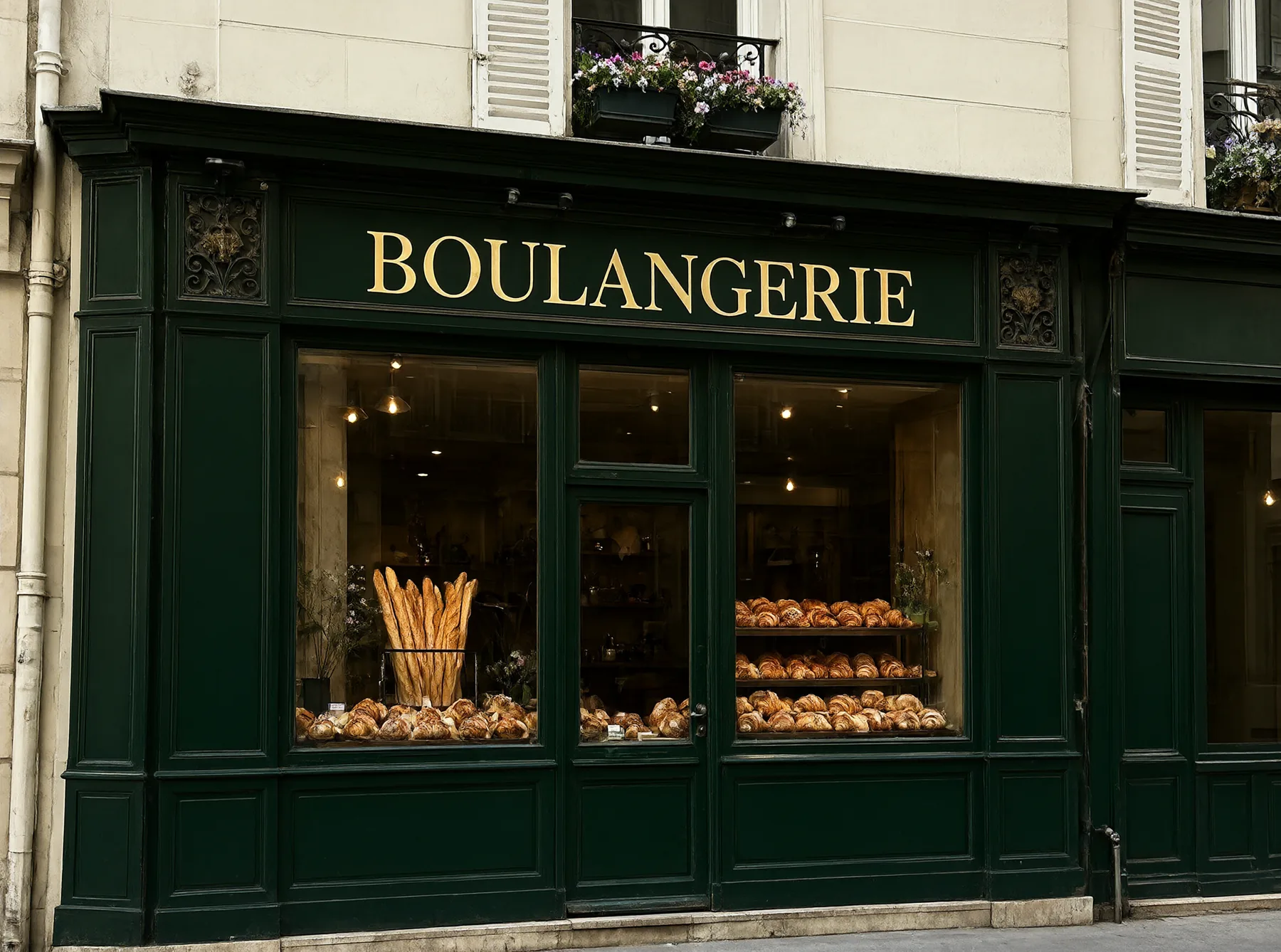
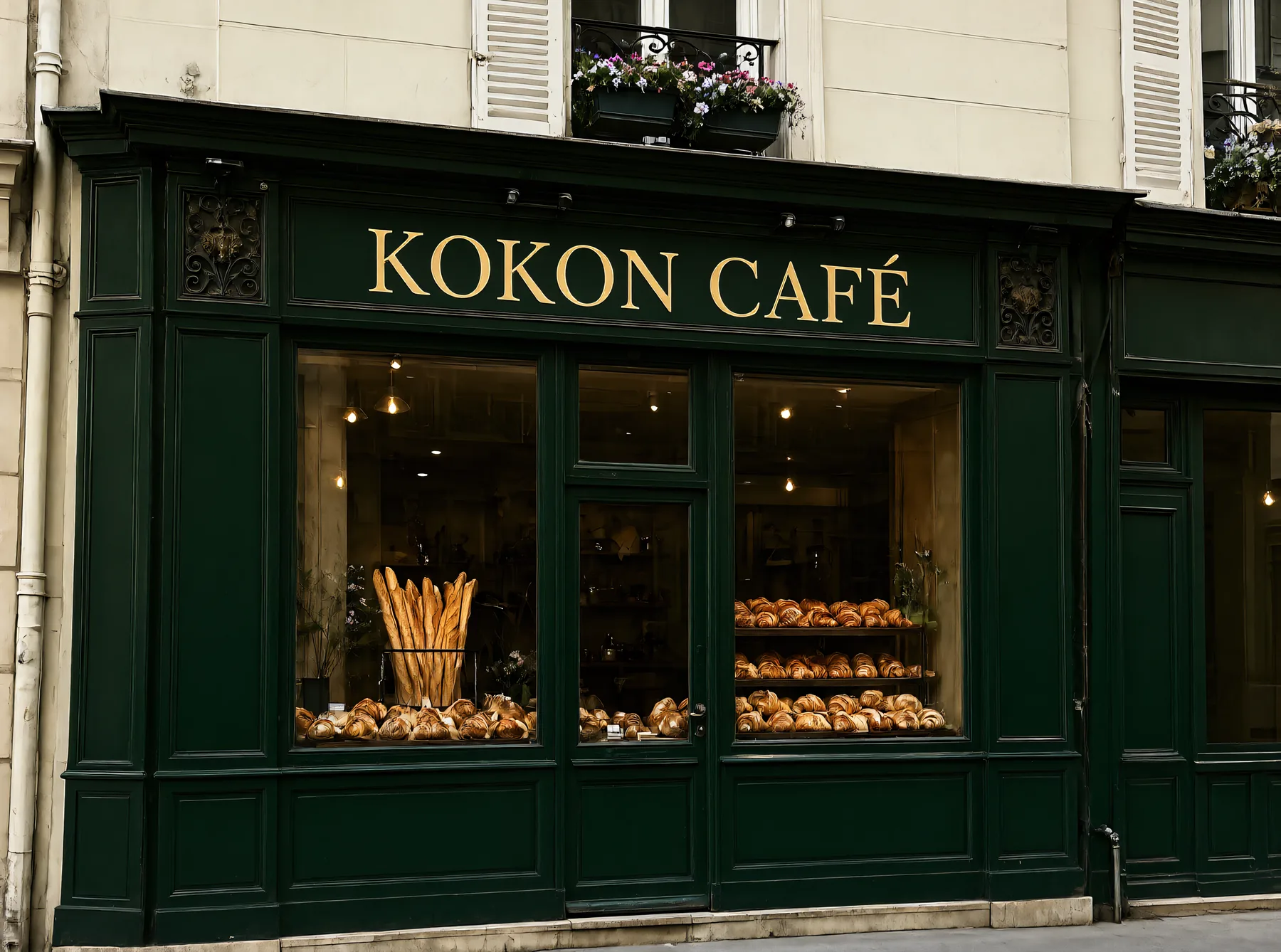
Write and change text in the image
The model spells words correctly, in the same lettering style.
Replace objects, restyle, expand


You can also turn a photo into a watercolor or another style, extend it beyond its borders to any aspect ratio, combine several photos ("put the person from image 1 in the room from image 2"), create new images from text, and upscale to 4K. Every edit is a new version: compare before and after with a slider, undo, or branch from any step.
What you need
| Works | Recommended | |
|---|---|---|
| Windows or Linux + NVIDIA | 12 GB of VRAM (8 GB in beta) | 16 GB or more |
| Windows or Linux + AMD / Intel Arc | 12 GB of VRAM, Vulkan (beta) | 16 GB or more |
| Mac | Apple Silicon, 16 GB, macOS 15 (slow) | 32 GB or more, Pro/Max/Ultra chip |
| Disk | 15 GB free | 25 GB free |
Speed with the default model: on an RTX 5070 Ti, about 24 seconds for an edit at 1.5K and about 36 seconds for a new image at native 2K. 12 GB cards are a little slower, 8 GB cards take 1 to 2 minutes per edit, and an M2 Pro Mac takes about 4 minutes per image.
How to start
- Download Kokon for Windows, macOS or Linux (about 55 MB).
- Open it. It detects your graphics card, recommends a preset and downloads the model once (about 12 GB, checked and resumable).
- Drop a photo and describe the change. Or paint an area first, and only that area changes. If you only have a short idea, turn on Prompt+ and it writes the detailed prompt for you, in any language.
Honest limits
- You need a graphics card with 12 GB of memory (8 GB in beta) or an Apple Silicon Mac. On a laptop with integrated graphics, a cloud tool is the better choice.
- Non-commercial images: the app is open source, but the default model (Qwen-Image 2.1) is under the Qwen Research License, which doesn't allow commercial use.
- Not a layer editor: Kokon is for AI edits. For layers, curves and retouching, keep your usual editor and use Kokon next to it.
Questions
Is there a free AI photo editor that works offline?
Yes. Kokon is a free, open-source AI photo editor for Windows, Mac and Linux that runs entirely on your own graphics card. After it downloads the model once, it works offline.
Which AI model does Kokon use?
Kokon picks the model for you. Today it is Qwen-Image 2.1 Turbo, which leads the open-weights image-editing rankings. When a better open model wins our tests, an update brings it.
Do I need to know Python or ComfyUI?
No. Kokon is one installer. It detects your graphics card, downloads the model and chooses resolution, memory use and upscaling for you. There are three quality levels: Fast, Balanced and Quality.
Is it safe for private photos?
Yes. Editing, the gallery and the AI agent server all run on 127.0.0.1, your own computer. Kokon only goes online to download the model at setup and to check for updates once a day, which you can turn off. Private mode saves nothing at all.
Try Kokon
Free and open source for Windows, macOS and Linux. One installer; Kokon sets up the model for your graphics card.