How to write prompts for Qwen-Image 2.1
The model does what you write, quite literally. Six rules, each with a real result from a vague prompt and from a clear one. Every image on this page was made by Kokon, first try, same seed on both sides.
The rules apply to Qwen-Image 2.1 wherever you run it, for new images and for edits (2.1 does both in one model, the job Qwen-Image-Edit did for earlier versions): in Kokon, ComfyUI or a hosted API.
Creating a new image
01Say what's happening, and where
With a short prompt, the model draws the subject and fills the rest with the most ordinary choice. The action gets lost.
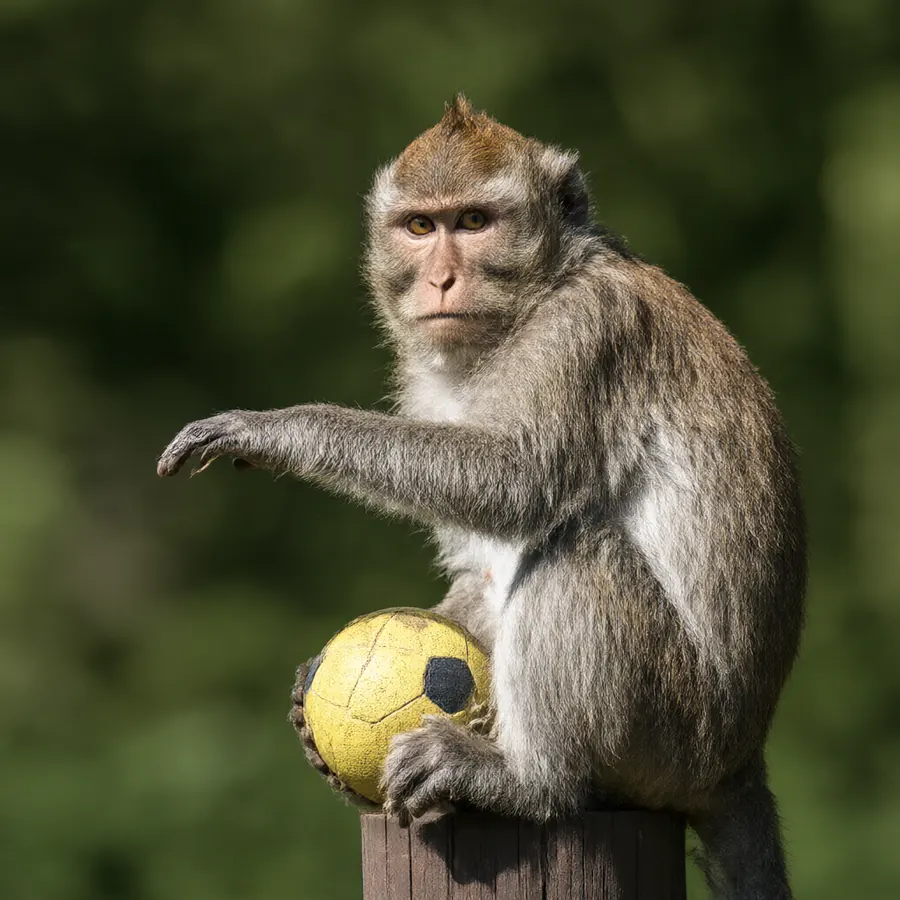
A monkey, sitting on a post, with a football. Nobody is playing.
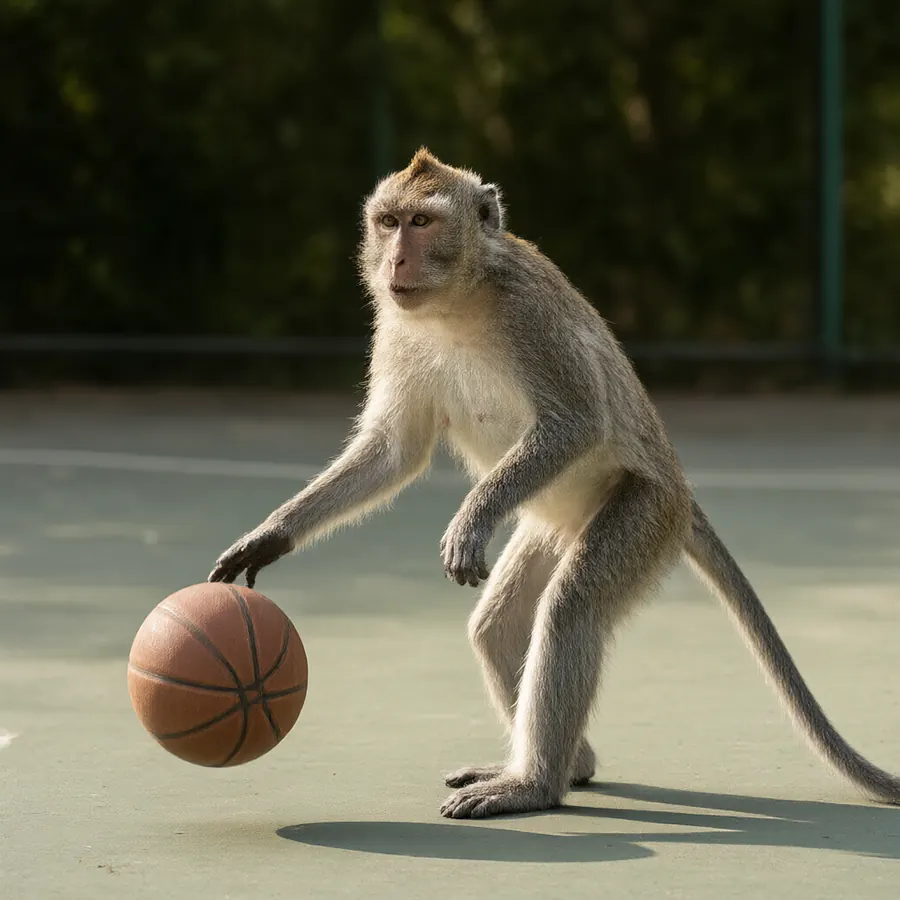
The action (dribbling), the place (a court) and the framing (full body). Now it plays.
Describe it like a photo you've already seen: who, doing what, where, in what light.
02Never write "no"
The model reads the words, not the grammar. Writing "no laptop" puts "laptop" in its head.

There's the laptop.
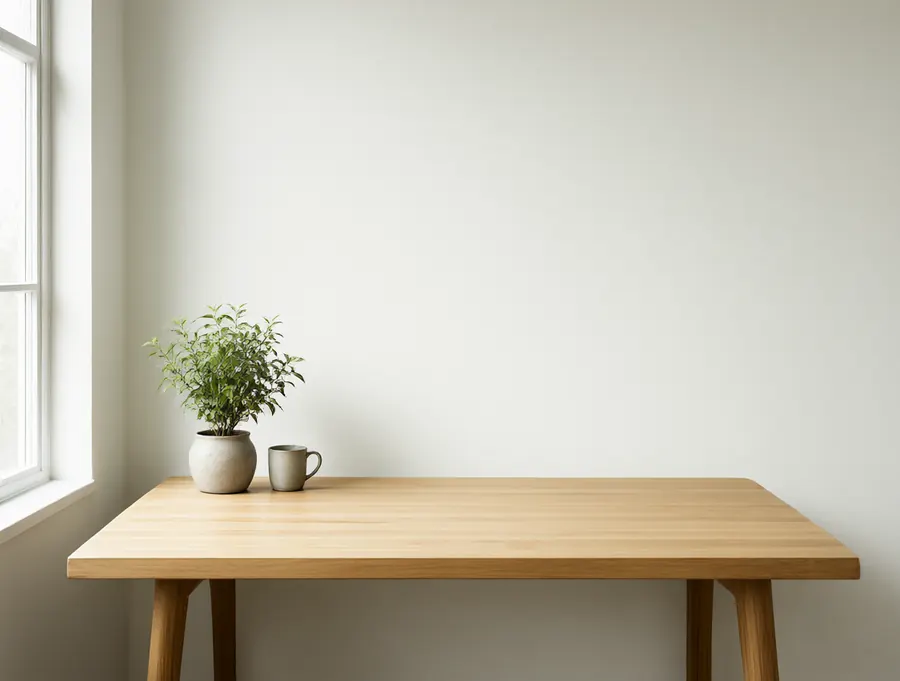
Say what is there, and the rest stays empty.
Instead of "no people", write "an empty beach". Instead of "no text", just don't mention text.
03Text goes in quotes, and short
Qwen-Image is great at lettering. Big titles come out right almost every time. Long small lines are where it slips.
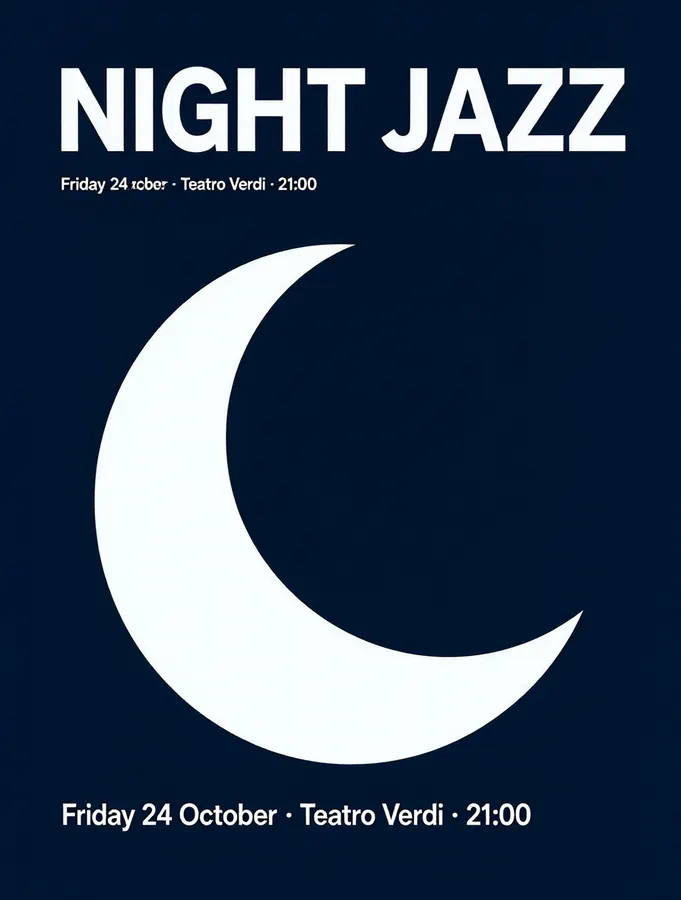
The small line shows up twice, once with a typo ("24 ocber").
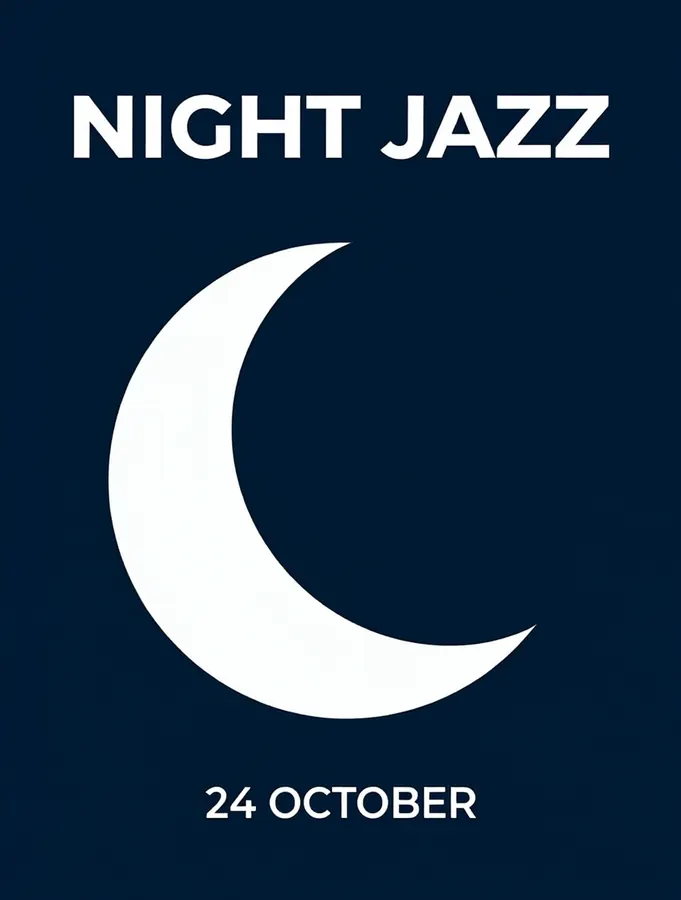
Exact words in quotes, and where each line goes.
Need a lot of small text? Switch to Quality: at native 2K the long line above came out perfect.
04Details turn "a picture" into your picture
A short prompt isn't wrong, it's just generic. Every detail you add is a decision you make instead of the model.
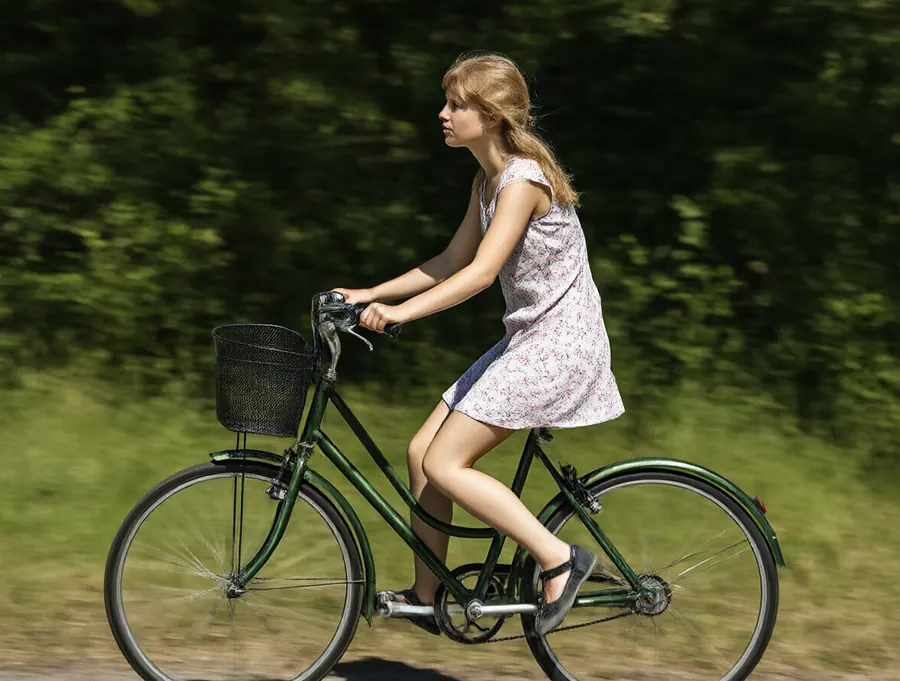
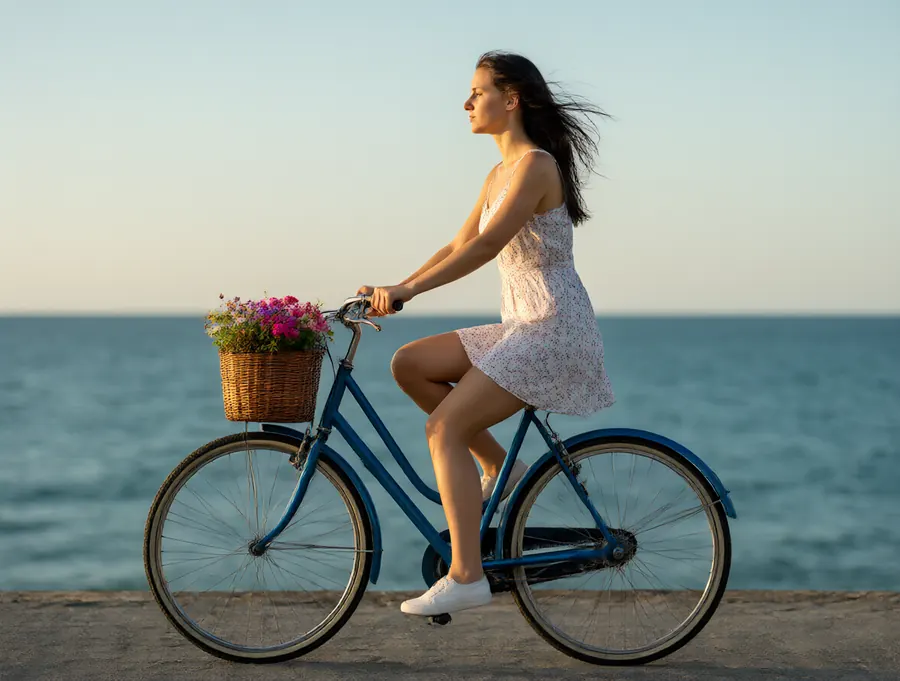
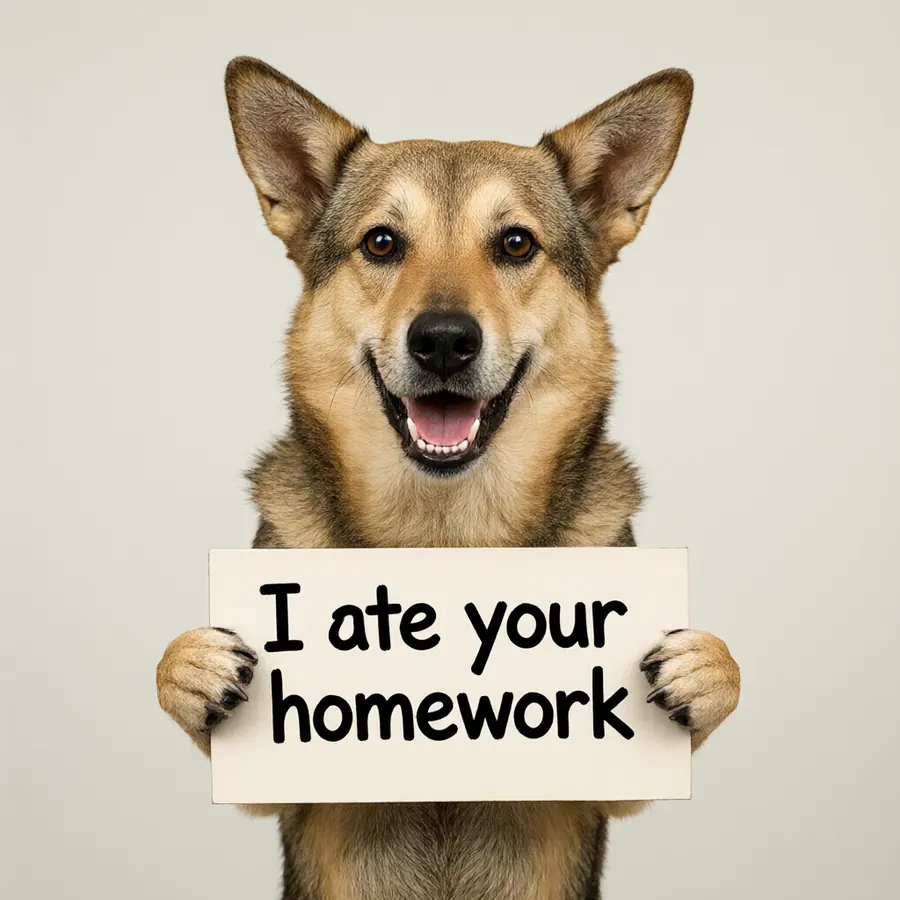

The model doesn't get tired of reading. Long prompts in plain sentences work, most important things first.
Editing a photo
Drop in a photo and type the change. Kokon keeps everything you don't mention.
05"Better" means nothing. Say what better is.
The model can't read your mind. Ask it to "improve" a photo and it gives the photo back, almost unchanged.
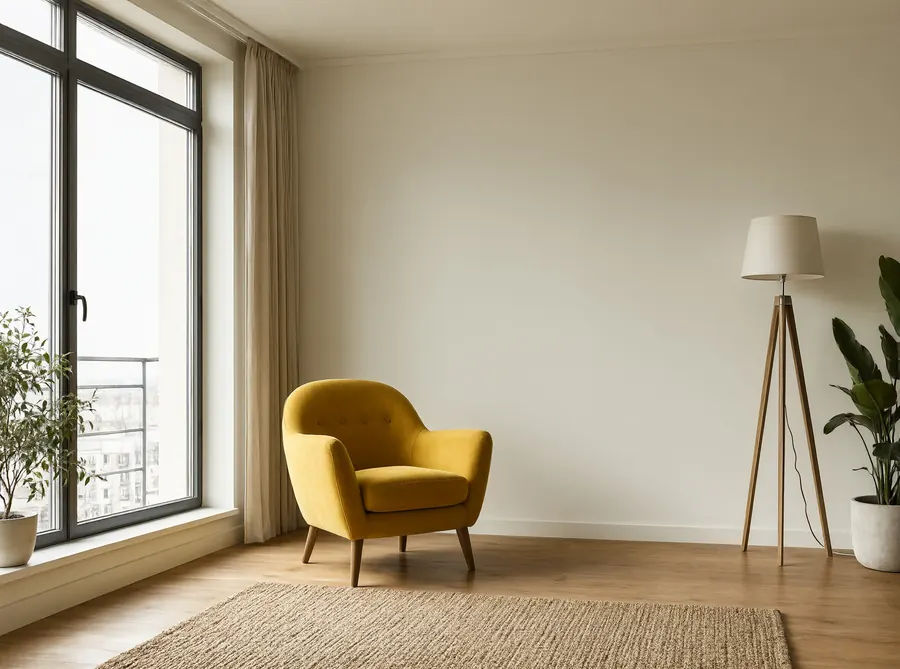
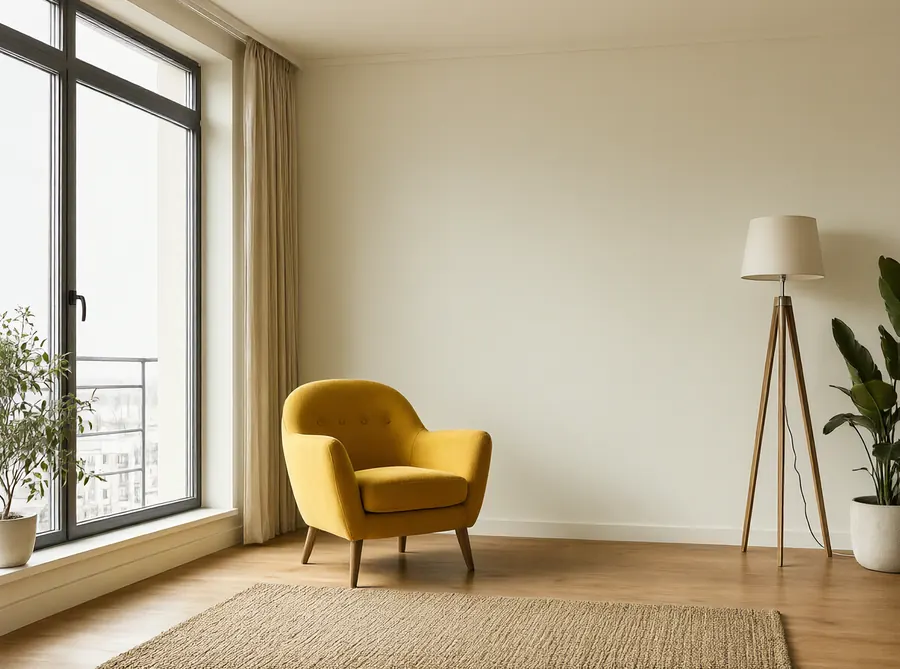
Same room.
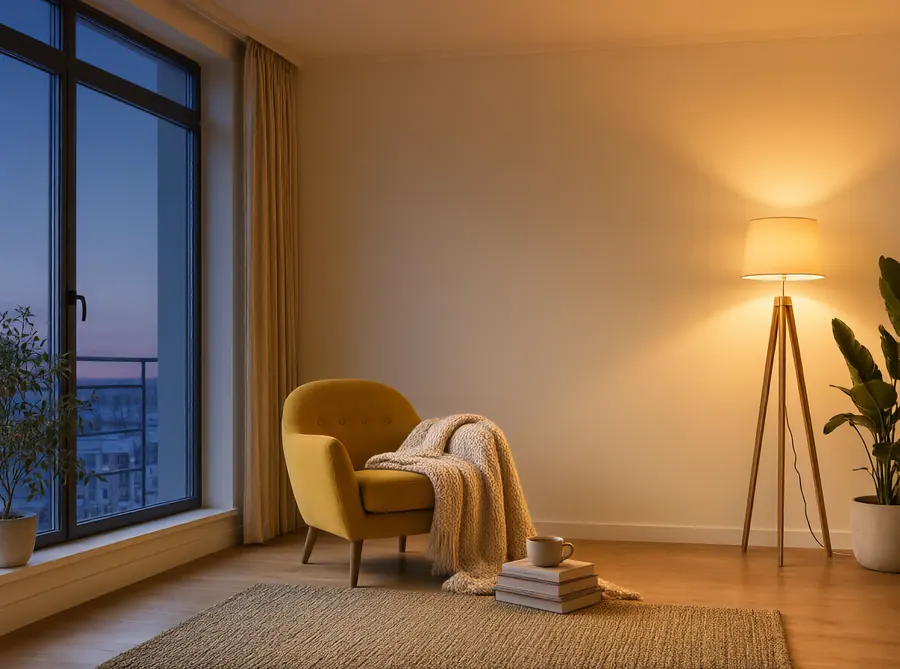
Turn "better" into things you can see: warmer light, a blanket, tidier, more contrast, a sunset.
06Name the thing you want changed
When the prompt doesn't say what, the model picks the most eye-catching thing in the photo.
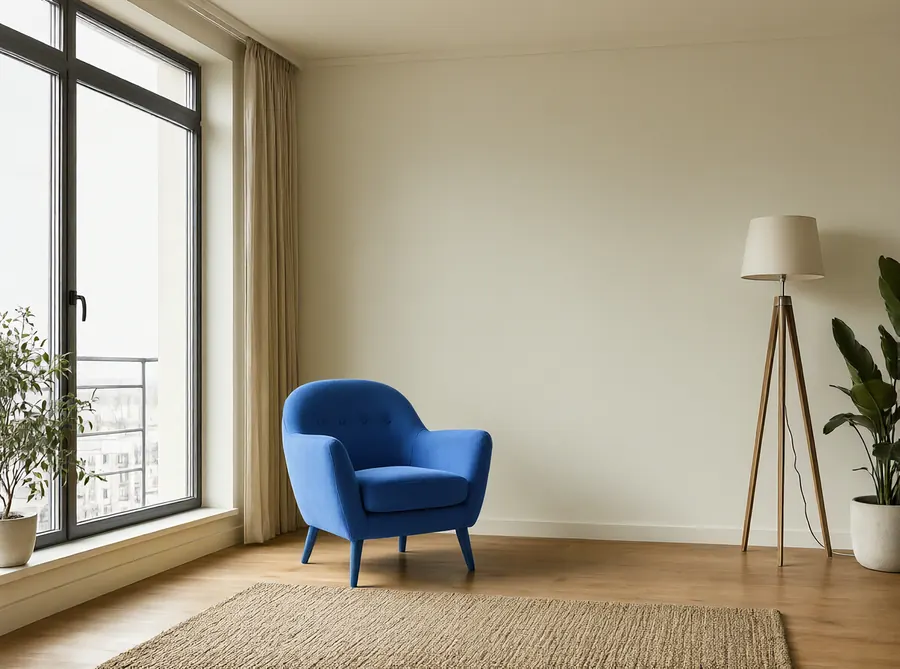
You meant the walls. It painted the armchair.
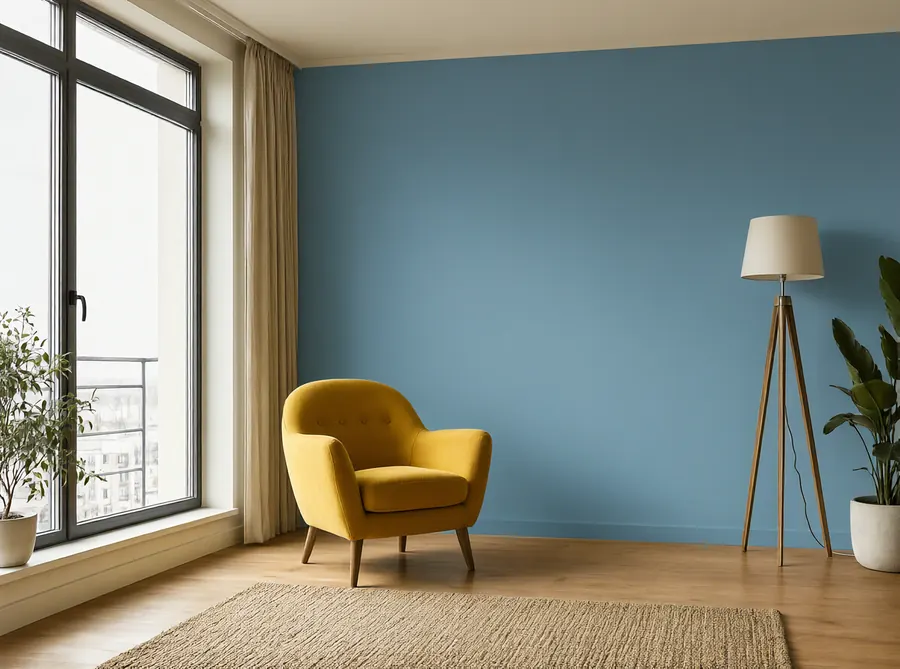
Too many similar things to name? Use Paint area: brush over it and write only the change.
Things that just work
Once the prompt is clear, the model is happy to do a lot at once.
Five changes in one sentence
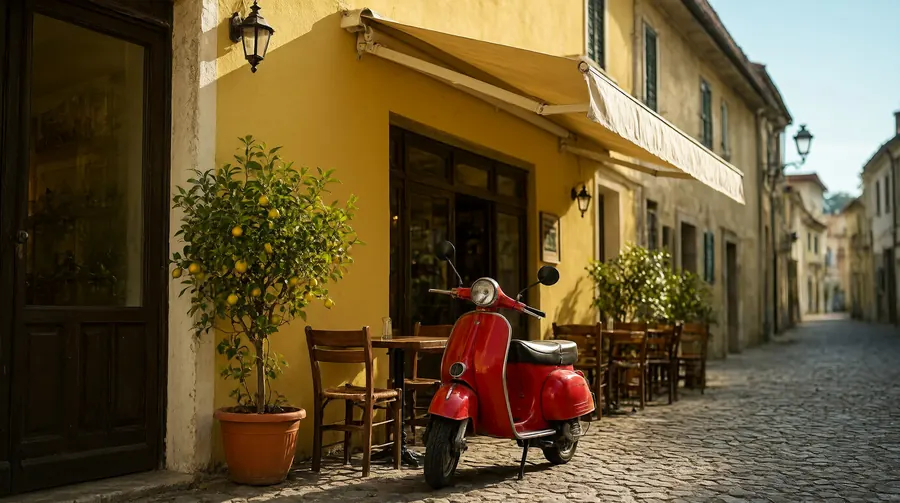
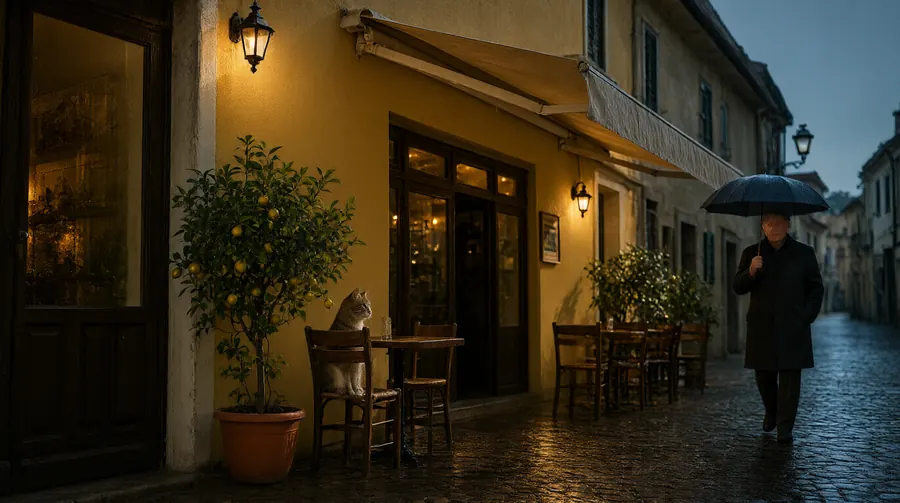
"Bottom left corner" means bottom left
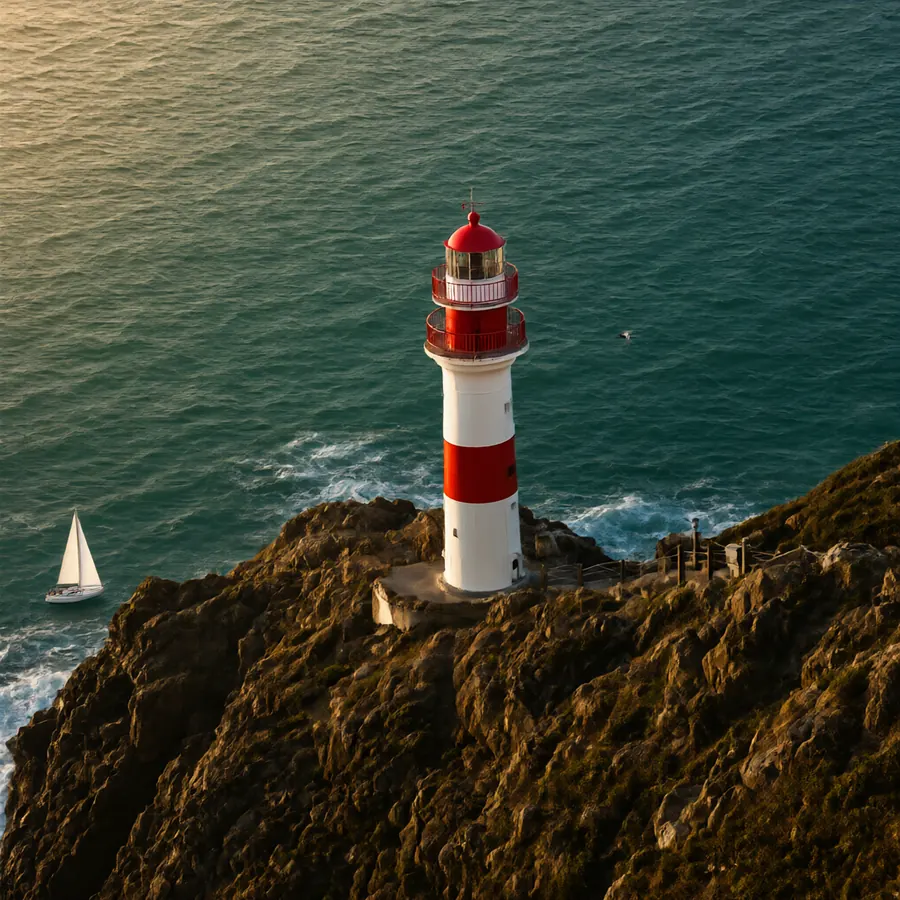
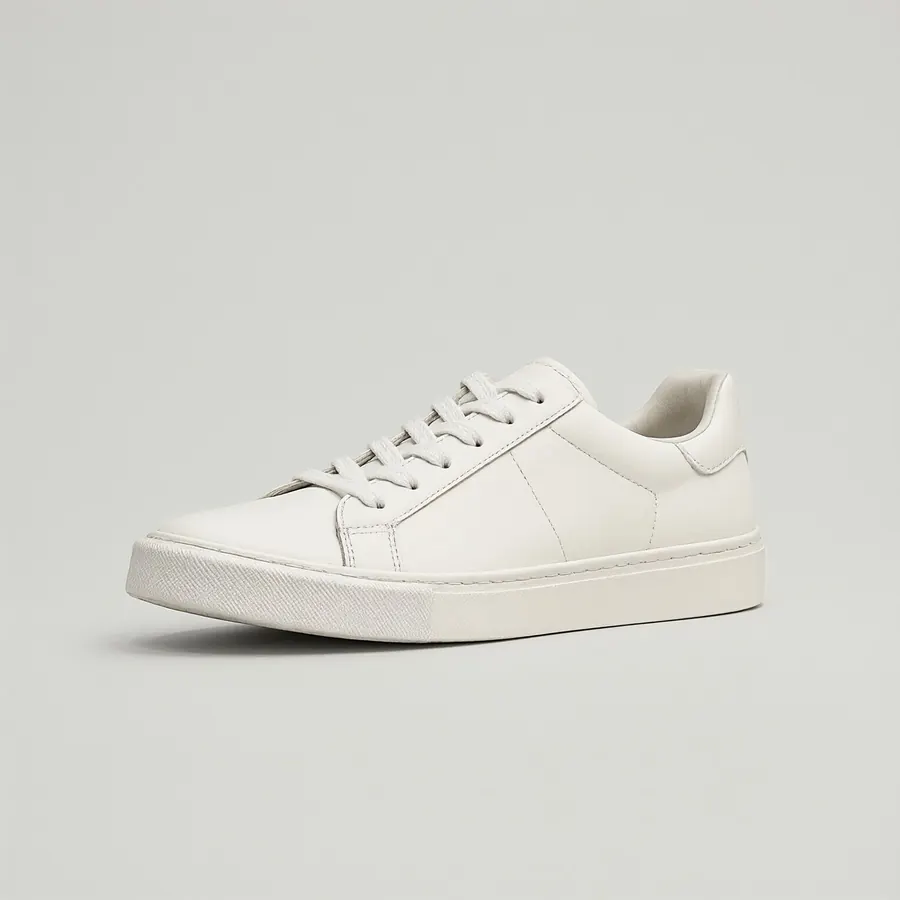
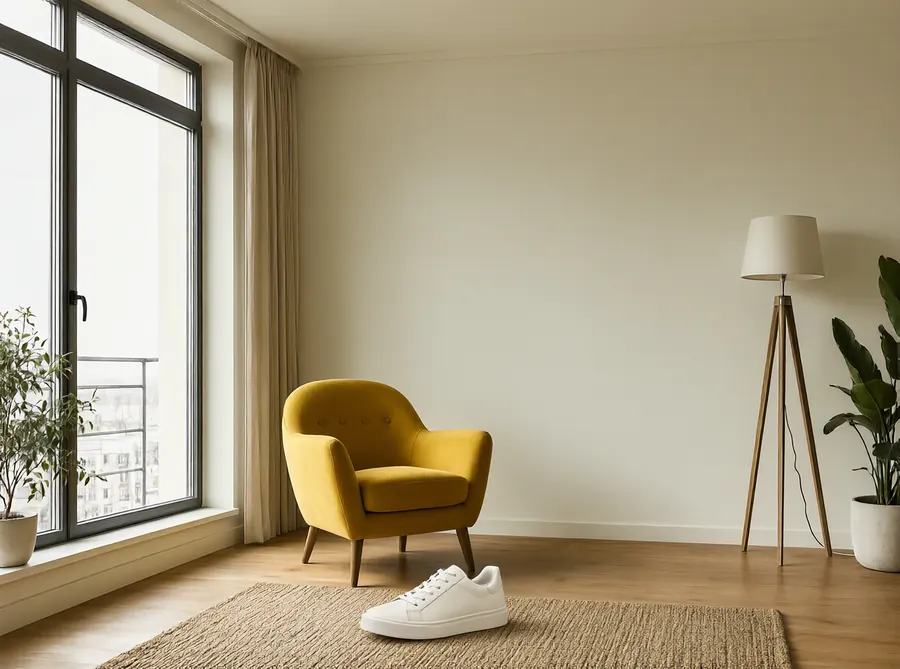
Combine two photos
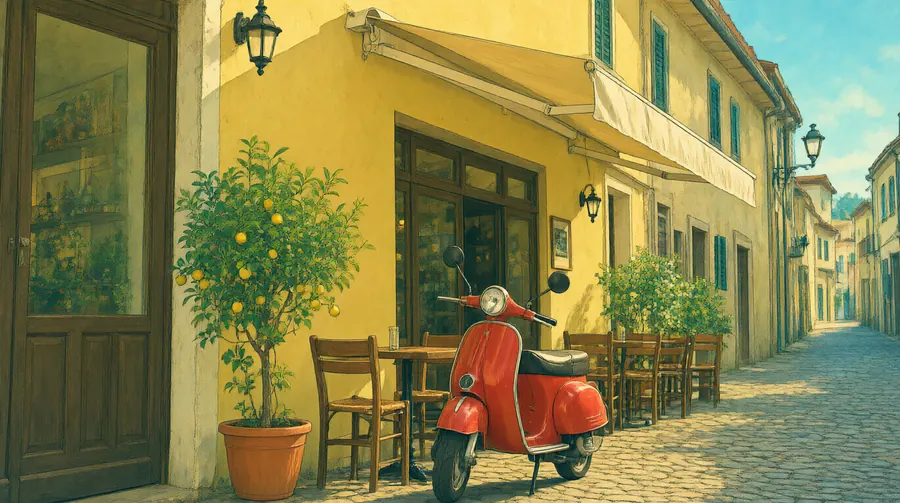
Change the whole style
Counts and positions
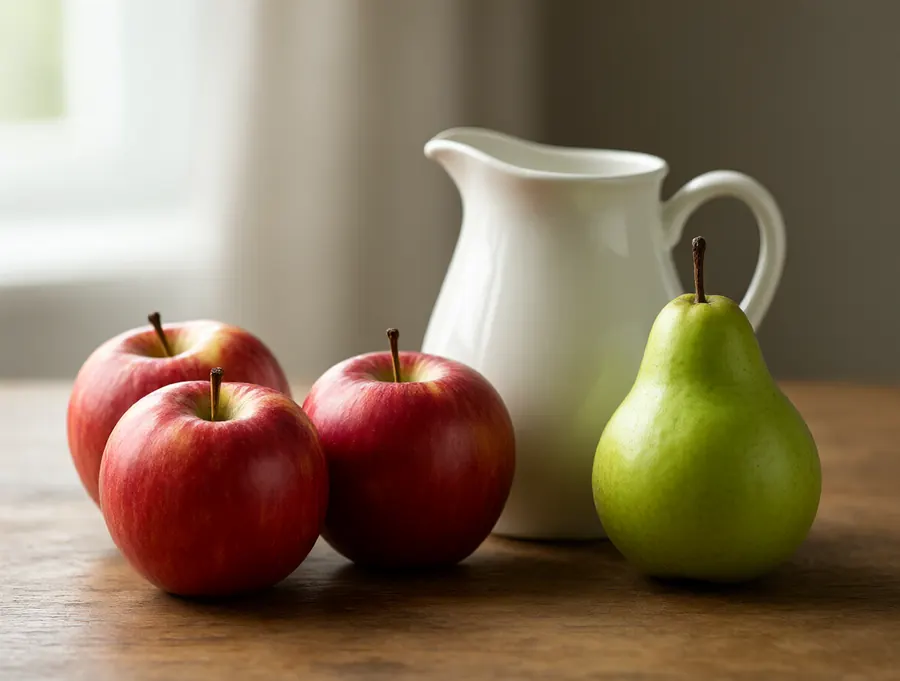
A whole scene, every detail
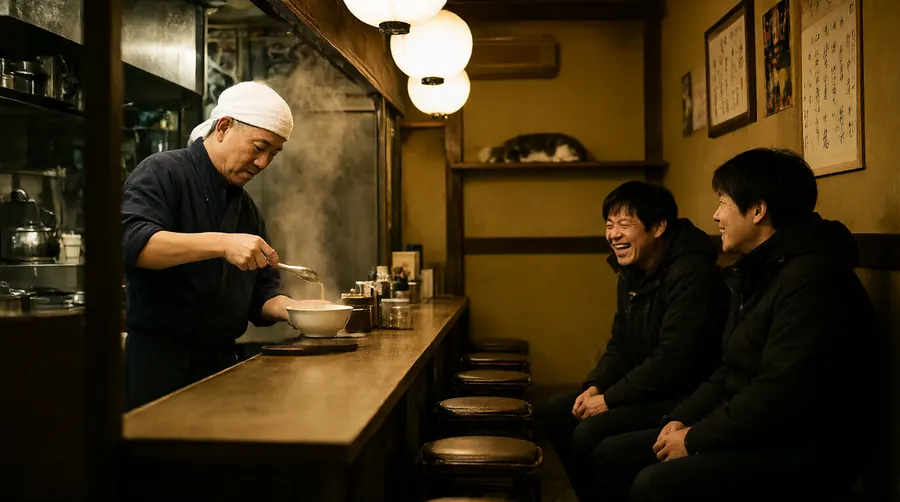
Camera angles

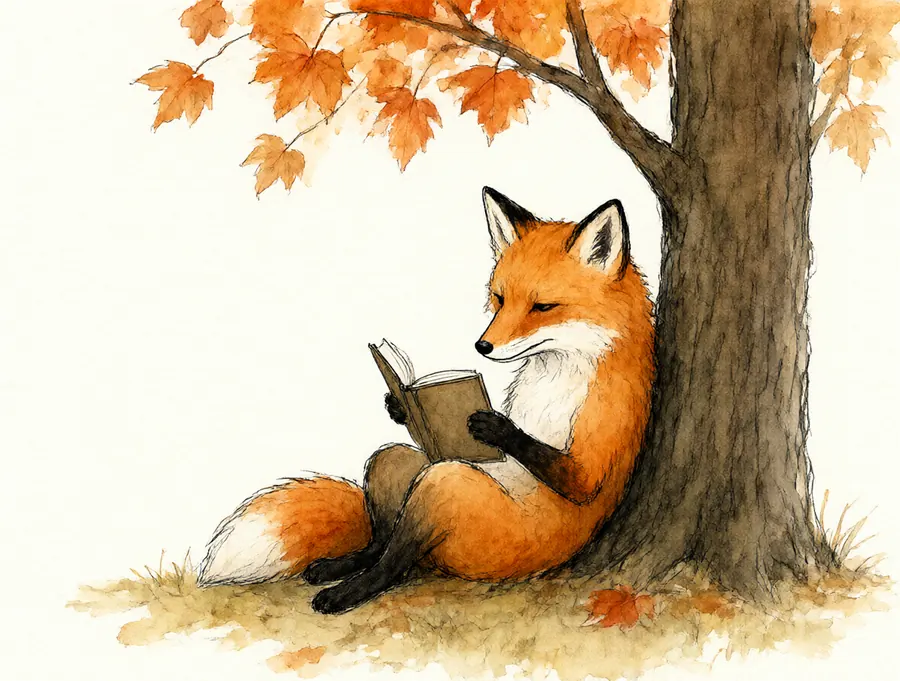
Any style you can name
Cheat sheet
New image
Not every part is needed. Add the ones you care about, most important first. Any language works.
Edit
Words that work
| You want | Write |
|---|---|
| The whole person | full body, wide shot |
| A face | close-up portrait, 85mm |
| From above | bird's-eye view, straight down, flat lay |
| From below | low-angle photograph looking up at… |
| Blurry background | shallow depth of field |
| Product shot | plain light grey background, studio lighting, soft shadow |
| Film look | 35mm film, slightly grainy, warm tones |
When it goes wrong
| Problem | Try |
|---|---|
| Part of the prompt ignored | Describe that part more, and put it earlier |
| Something unwanted appeared | Remove its name from the prompt, even after "no" |
| Text is wrong | Fewer words, in quotes, or switch to Quality |
| Close, but not quite | Regenerate: a new seed is a new try |
| Edit changed too much | Add "keep everything else unchanged", or paint the area |
| Edit changed nothing | Name the object and the new look |
Skip tag lists like "masterpiece, 8k, best quality". They don't add quality, they just push everything toward the same dramatic stock-photo look. Describe the look you want in words.
Questions
How do I write a good prompt for Qwen-Image 2.1?
Describe the scene, not just the subject: who or what, doing what, where, in what light, and the framing. "A monkey playing basketball" gave a monkey sitting with a football; "a monkey dribbling a basketball on an outdoor court, full body" gave the game. Plain sentences work, most important things first, and long prompts are fine.
Does Qwen-Image 2.1 support negative prompts?
Not in a useful way. The Turbo model runs at CFG 1, where a separate negative prompt has no effect, and writing "no laptop" in the prompt tends to add a laptop. Describe what should be there instead: "a clean, empty desk with only a plant and a cup".
How do I get correct text in Qwen-Image 2.1 images?
Put the exact words in quotes and say where they go, for example the title "NIGHT JAZZ" in big letters at the top. Big titles come out right almost every time; long lines of small text can be garbled at about 1 megapixel, so use fewer words or render at native 2K.
How should I write edit prompts for Qwen-Image 2.1?
Name the exact thing and the change: "Replace the yellow armchair with a green velvet sofa", "Paint the wall behind the armchair dusty blue". Vague requests like "make it better" return almost the same photo, and "make it blue" changes whatever stands out most. Add "keep everything else unchanged" when an edit changes too much.
Can I ask for several edits in one prompt?
Yes. One sentence removed a scooter, turned the scene into a rainy evening, turned on the lights, added a cat and added a man with an umbrella in a single edit. If one change does not happen, edit the result again.
Can I write Qwen-Image prompts in other languages?
Yes. A descriptive prompt in Italian gave the same picture as the English one with the same seed. Short prompts lose detail in any language.
How do I combine several images in one prompt?
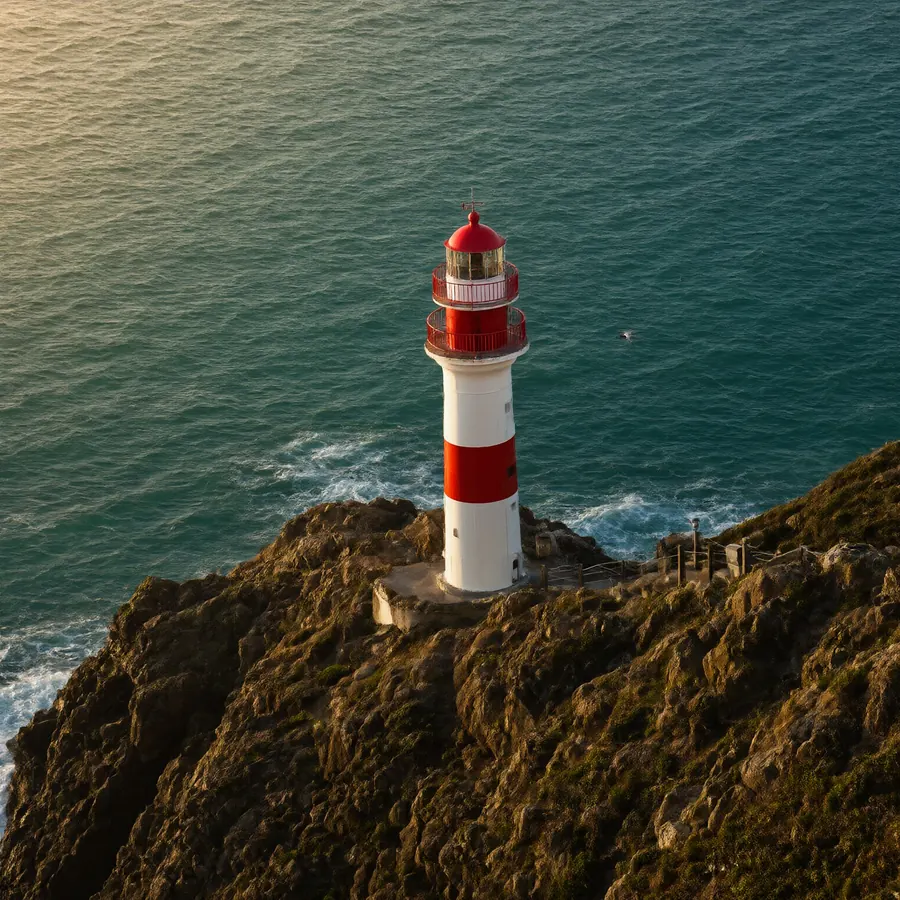
Refer to them as image 1, image 2 and so on, in order, and say what each one gives: "Place the sneaker from image 2 on the rug in image 1, keep the room from image 1 unchanged".
Try it on your own photos
Kokon is free and open source for Windows and macOS. Nothing to set up: it picks the right settings for your computer.